
UALink 2.0: AI Fabric Evolution Beyond NVLink
Introduction
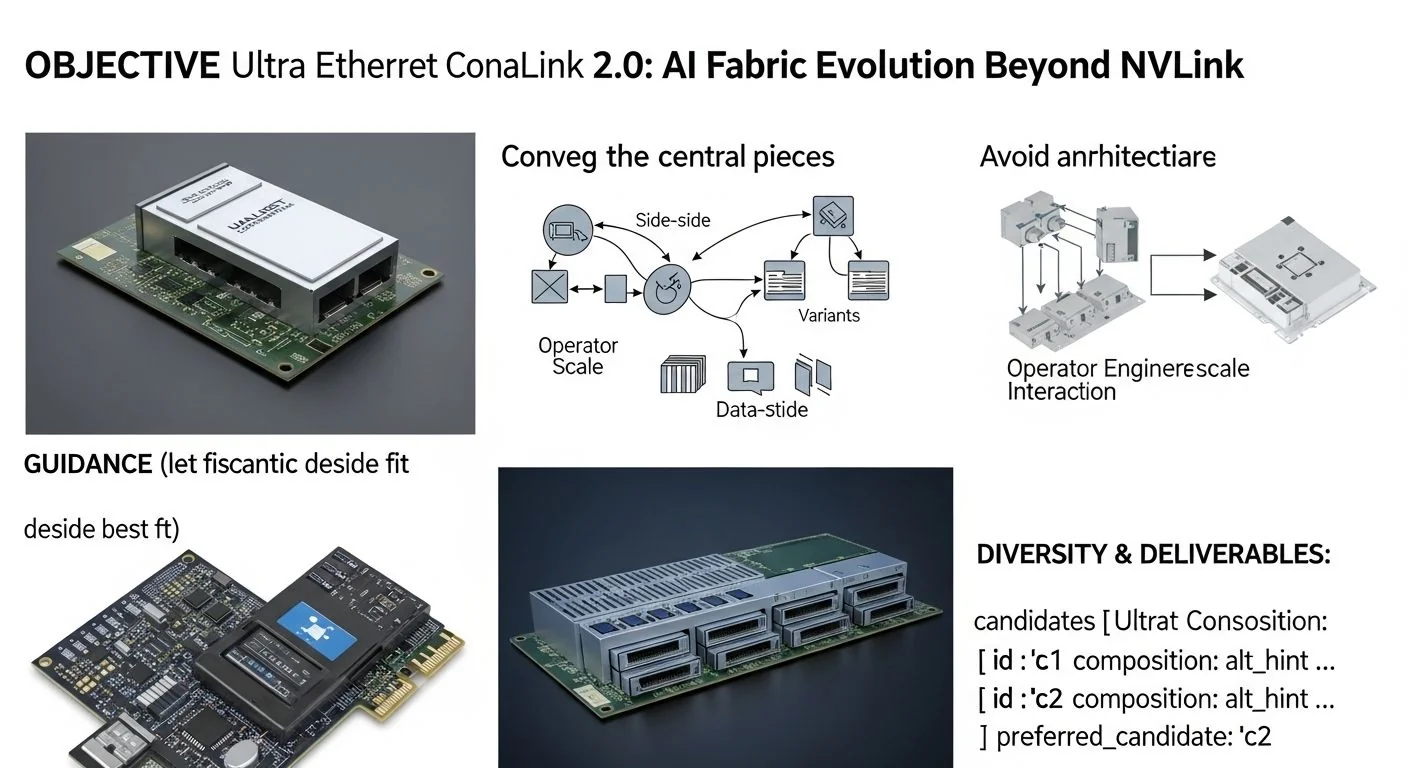
Problem statement: modern multi‑GPU AI training and inference clusters are bottlenecked by inter‑accelerator connectivity that limits model parallelism, scaling efficiency, and operational cost. This article explains how UALink 2.0 — the Ultra Ethernet Consortium's next‑generation AI fabric — addresses those constraints and how engineering teams should evaluate and integrate it into production AI racks. For background on the project's origins see the UALink 1.0 design notes and benchmarks.
Promise: you will get an engineer‑first, evidence‑led guide with architecture details, pragmatic integration patterns for multi‑rack clusters, direct comparisons to NVLink 5.0, operational failure modes and diagnostics, and measurable KPIs to validate adoption.
Failure scenario (production): imagine a 32‑GPU multi‑rack training job whose gradient allreduce stalls at 60% of theoretical throughput when stretched beyond a single rack. Engineers patch kernel TCP settings, tune GCCP, and still observe long p95 synchronization stalls and memory thrash. The root cause is fabric-level head‑of‑line blocking, insufficient QoS for collective operations, and inability to provide near‑uniform bandwidth between racks — precisely the class of problem UALink 2.0 targets to mitigate.
Executive Summary
TL;DR: UALink 2.0 provides an Ethernet‑native, accelerator‑aware fabric that trades slightly higher single‑hop latency for scalable multi‑rack bandwidth, predictable QoS, and a cost model that favors large, disaggregated AI clusters over proprietary board‑level interconnects.
- Key takeaway 1: UALink 2.0 extends Ultra Ethernet with accelerator‑level RDMA, fabric QoS for collective primitives, and hardware‑offloaded congestion control to enable multi‑rack synchronous training.
- Key takeaway 2: Compared to device‑local NVLink 5.0, UALink 2.0 sacrifices some sub‑microsecond hop latency but wins on per‑port aggregate bandwidth, flexible topology, and multi‑vendor interoperability.
- Key takeaway 3: Integration is operational — plan for fabric firmware management, NIC drivers, OS kernel RDMA toolchain, and Prometheus metrics pipelines; early testing should measure p50/p95/p99 throughput on all‑reduce patterns, not just uni‑directional TCP/UDP tests.
- Key takeaway 4: Expect deterministic failure modes (link training mismatches, QoS misclassification, incast during gradients) and prepare automated diagnostics and runbooks before fleet rollout.
- Key takeaway 5: Cost model favors UALink 2.0 where scale is horizontal (many racks) and flexibility of memory pooling and accelerator heterogeneity matters; NVLink remains optimal for single‑node, highest‑per‑device latency‑sensitive paths.
Three likely direct Q→A pairs
- Q: Is UALink 2.0 a drop‑in replacement for NVLink? A: No — it is an Ethernet‑native fabric designed for rack and multi‑rack scale; it complements NVLink rather than replaces on‑package device peer links.
- Q: Will UALink 2.0 reduce p99 gradient sync latency for synchronous training? A: It reduces tail latency at scale via QoS and active congestion control, but intra‑node NVLink still has lower absolute single‑hop latency.
- Q: Do I need special drivers? A: Yes — vendor UALink drivers and RDMA stacks are required; plan kernel and userland updates plus telemetry exporters for observability.
How Ultra Ethernet Consortium UALink 2.0: AI Fabric Evolution Beyond NVLink Works Under the Hood
UALink 2.0 is a layered enhancement of commodity Ethernet targeted at accelerator fabrics. It combines low‑latency transport primitives, hardware‑offloaded collective operations, and deterministic QoS to bridge the gap between on‑package interconnects (like NVLink) and wide‑area fabric technologies (CXL and standard Ethernet).
Architectural summary (engineer view):
- PHY & Link Layer: Uses manged 200G/400G optical and copper PHYs with link training optimized for persistent RDMA flows. Link MTU and crediting are tuned for short RPC‑style exchanges typical in gradient synchronization.
- Transport: Hardware‑accelerated, lossless RDMA (RDMA over Converged Ethernet semantics with tweaks) with per‑flow backpressure and per‑queue deterministic scheduling. A lightweight transport shim exposes zero‑copy verbs with extensions for collective primitives.
- Collectives Offload: Switch and NIC microcode implement ring/allreduce/topo‑aware reductions (e.g., tree reduction offload), so common primitives execute within fabric silicon rather than via host CPU—reducing host involvement and improving tail latency.
- Congestion & QoS: Active congestion control (fabric‑cooperative) with in‑band telemetry (INT) and prioritized scheduling for accelerator traffic classes. This prevents network‑induced tail spikes during gradient exchange or parameter server bursts.
- Management Plane: Central fabric manager provides topology discovery, firmware orchestration, and schedule assurance for training windows, similar conceptually to how a job scheduler reserves GPU/CPU resources.
Diagram (textual): imagine a two‑tier design where top‑of‑rack (ToR) UALink switches connect server NICs with multiple UALink ports. Each server's NIC exposes accelerator‑aware verbs and a collective offload API. ToR switches coordinate multi‑rack collectives using a high‑speed spine with per‑flow QoS rules enforced in hardware. For optical interconnect considerations see the Photonic Fabric AI: Architecture, Benchmarks & Integration Guide.
Protocol highlights:
- End‑to‑end RDMA verbs plus collective extensions (verbs like ibv_allreduce_offload) for ring/tree operations.
- Fabric‑level flow identifiers for job‑scoped scheduling; jobs register expected communication patterns at start up.
- Backward compatible with existing RDMA tools; vendor stacks provide userland wrappers to map NCCL/MPI/Widelib collectives to offload primitives.
For background on the original design and early implementation patterns, see the design notes and benchmarks from UALink 1.0, which explain the initial tradeoffs between link aggregation and RDMA semantics.
Implementation: Production Patterns
This section is step‑by‑step: basic integration, advanced deployment, error handling and optimization. The examples assume you have vendor drivers (kernel and userland RDMA), a UALink‑capable ToR, and an orchestration system (Kubernetes or Slurm).
Basic integration (single rack)
- Install vendor kernel modules and userland RDMA stack. Verify device visibility with rdma-core utilities:
sudo modprobe ualink_driver ibv_devinfo -d ualink0 - Confirm link health and negotiated speed with ethtool (or vendor CLI):
sudo ethtool -S ethX | grep ualink sudo ethtool -i ethX - Run device‑to‑device microbenchmarks to validate baseline latency and throughput (use rdma‑core tools):
ib_write_lat -d ualink0 -F -a # latency test ib_read_bw -d ualink0 -F # uni-directional bandwidth - Map NCCL to UALink verbs by setting the NCCL transport to fabric mode and enabling collective offload (vendor flags):
export NCCL_SOCKET_IFNAME=ethX
export NCCL_PROTO=LL
export NCCL_TOPO_FILE=/etc/ualink/topo.json
Advanced: multi‑rack configuration
Key principle: treat fabric as schedulable resource. Reserve link reservations for training jobs to ensure QoS and reduce noisy‑neighbor effects.
- Deploy a fabric manager service (commercial or vendor) that integrates with your scheduler. The manager should accept a job's communication profile (expected concurrent flows, aggregate bandwidth) and program QoS in the ToR/spine switches.
- Provision VLAN/flow‑class isolation for job traffic and enable INT for in‑band telemetry. Ensure spine switches are lossless for the UALink traffic class.
- Run end‑to‑end allreduce benchmarks (ring and tree patterns) instead of only iperf: use nccl_bench or MPI allreduce tests to account for small‑message behavior during gradients.
An example job‑reservation snippet (YAML) for orchestrator integration that labels UALink resources and requests fabric QoS (Kubernetes custom resource):
apiVersion: v1
kind: Pod
metadata:
  name: ualink-train
  labels:
    job-type: train
spec:
  containers:
  - name: trainer
    image: myorg/trainer:latest
    resources:
      limits:
        ualink.alpha/ports: 2       # request 2 UALink ports
        nvidia.com/gpu: 8
    env:
    - name: UALINK_QOS_CLASS
      value: "training-ll"
Error handling and diagnostics
- If collective latency is high but uni‑directional bandwidth is fine, suspect scheduling/QoS or incast. Check INT counters and per‑flow queue depth.
- Firmware or driver mismatch: mismatched microcode versions between NIC and switch are a common cause of asymmetric performance — maintain a firmware matrix and use vendor tools to verify.
- Link flapping: look for link training errors at the PHY level. Physical cable faults or SFP/QSFP incompatibilities often manifest as repeated retraining leading to bursts of packet loss and tail latency spikes.
Comparisons & Decision Framework
This section compares UALink 2.0 to NVLink 5.0 and outlines when to choose each, including a compact checklist for selection.
High‑level tradeoffs
- Latency: NVLink (on‑package or on‑board) generally offers the lowest single‑hop latency (sub‑microsecond for local device pairs). UALink 2.0 targets low‑microsecond multi‑hop latency with optimizations to keep p95/p99 predictable across racks.
- Bandwidth: NVLink provides very high per‑device bandwidth in‑node. UALink 2.0 provides high aggregate fabric bandwidth (sum across ports and racks) and supports port bundling and spine aggregation more flexibly.
- Scalability: UALink scales naturally to many racks with deterministic QoS and collective offload; NVLink scales well inside a node and across custom NVLink bridges but becomes complex and costly at data center scale.
- Interoperability & Cost: UALink leverages Ethernet economies (switches, optics) so BOM cost per port and upgrade paths are generally cheaper at large scale. NVLink is higher per‑port cost but simpler for single‑rack or single‑node high‑bandwidth needs.
For a deeper technical look at NVLink 5.0 scaling tradeoffs and where it continues to win, read our analysis of NVLink 5.0 and multi‑GPU fabrics.
UALink 2.0 bandwidth & latency comparison (engineer‑friendly)
Use these comparative buckets — numbers are approximate and depend on vendor silicon, cabling and configuration. They are intended to guide expectations and test planning:
- Single‑hop latency: NVLink (0.2–0.6 µs) vs UALink 2.0 (0.8–3 µs)
- All‑reduce latency for 16‑GPU intra‑rack synchronous job: NVLink optimized (single rack) p95 ~1–3 µs; UALink 2.0 p95 ~5–20 µs depending on topology and offload usage.
- Aggregate bandwidth (multi‑rack): NVLink across custom bridges may reach several TB/s inside engineered systems; UALink 2.0 achieves predictable multi‑rack aggregate hundreds of GB/s to multiple TB/s depending on port bundling and spine count.
Important: measure the right thing. For AI jobs, small‑message allreduce/windowed traffic determines convergence time more than peak unidirectional throughput. Use NCCL or MPI synthetic benchmarks rather than iperf alone.
Decision checklist
- If your workflows are single‑node or single‑rack and require the absolute lowest microsecond latency, prioritize NVLink.
- If you need scalable multi‑rack synchronous training, mixed accelerator types, or disaggregated memory/persistent pooling with deterministic QoS, evaluate UALink 2.0.
- Estimate cost at target scale: UALink 2.0 typically amortizes better at >8–16 racks due to use of standardized switches and optics; model both capital and operational costs (firmware, support contracts, power and cooling).
- Run a pilot that measures p50/p95/p99 for representative jobs (same model, same batch sizes) across the target topology before full adoption.
Failure Modes & Edge Cases
Below are concrete failure modes, diagnostics and mitigations that teams will actually encounter.
- Symptom: High tail latency on allreduce while uni‑directional bandwidth is normal.
- Diagnosis: Per‑flow queue overflow or misclassified QoS. Inspect INT counters and queue occupancy.
- Mitigation: Reclassify gradient flows into high‑priority class; increase queue depth for targeted classes; enable collective offload for the job.
- Symptom: Job intermittent stalls and retransmits.
- Diagnosis: Link training or PHY errors (cable/optics), mismatched firmware or driver causing handshake failures.
- Mitigation: Run vendor link diagnostics, compare firmware versions across NICs and ToR, replace suspect optics. Automate firmware compatibility checks in CI before node admission.
- Symptom: Incast when many accelerators push gradients to a parameter server or aggregator.
- Diagnosis: Head‑of‑line blocking and inadequate rate limiting on egress ports.
- Mitigation: Prefer collective offload or tree reduction; enable fabric backpressure and per‑producer pacing.
- Edge case: Heterogeneous accelerators using different NIC stacks.
- Diagnosis: Mixed vendor drivers and inconsistent verbs extensions cause feature gaps.
- Mitigation: Use an abstraction layer or shim that maps different verbs to a common API; restrict heterogeneous mixes during critical jobs until validated.
Performance & Scaling
KPIs and benchmarks you should track during validation and production:
- Throughput (GB/s) measured for multi‑GPU allreduce at representative model tensor sizes (128KB, 1MB, 8MB).
- Latency percentiles: p50/p95/p99 for collective operations (allreduce, broadcast) and for remote tensor fetches.
- Packet loss and retransmit rates per link and per job; fabric INT metrics including queue occupancy and egress latency.
- Power per GB/s and cost per training‑step (for cost modeling).
Suggested test plan:
- Microbenchmarks: ib_write_lat and ib_read_bw to verify baseline.
- Collective microbenchmarks: run NCCL microbenchmarks for ring/allreduce sizes matching your model (e.g., 16–1024 KB tensors).
- End‑to‑end model runs: measure epochs per hour and wall‑clock convergence across single‑rack vs multi‑rack setups.
Monitoring recommendations (production): export the following to Prometheus:
- Per‑NIC queue lengths, per‑flow RTT and retransmit counters (via vendor exporter or INT collector).
- Collective offload success/failure rates and offload latency.
- Topology and firmware version as labels for alerting on heterogeneous fleets.
Example Prometheus job for UALink exporter (assumes vendor exporter binary):
# /etc/prometheus/prometheus.yml
- job_name: 'ualink_exporter'
  static_configs:
    - targets: ['ualink-node1:9101','ualink-node2:9101']
  metrics_path: /metrics
Production Best Practices
Security, testing, rollout and runbooks that reduce risk.
- Secure firmware pipeline: sign and verify NIC/switch firmware. Maintain a firmware matrix and automate compatibility checks in CI/CD before node onboarding.
- Job admission control: Integrate fabric reservations into your scheduler. Reject jobs that do not specify required fabric resources to avoid noisy neighbor impact.
- Observability & SLOs: Define SLOs for p95/p99 allreduce latency and set automated rollback thresholds during deploys. Test upgrades in canary racks with synthetic allreduce workloads.
- Runbooks: Prepare header runbooks for common incidents: link training failure, incast, firmware mismatch and QoS misclassification. Include checks to quickly gather INT traces and queue occupancy snapshots.
- Security model: Encrypt control plane channels for fabric manager. Use BMC/network segmentation for management traffic, and RBAC for fabric manager APIs to prevent accidental QoS changes.
Further Reading & References
- UALink 1.0 design, performance notes and early benchmarks: UALink 1.0: Ultra‑High Bandwidth AI Accelerator Fabric
- Deep dive on NVLink scaling tradeoffs for multi‑GPU fabrics: NVLink 5.0 AI training: Scaling Multi‑GPU Fabrics Beyond CXL
- Optical and photonic interconnect considerations for high‑bandwidth fabrics: Photonic Fabric AI: Architecture, Benchmarks & Integration Guide
Suggested academic and standards reading (vendor documents and standards working groups are essential for exact numbers): consult the Ultra Ethernet Consortium specification drafts, rdma-core documentation and vendor UALink programming guides.
Appendix: Practical commands and metrics to collect during pilot
- Basic device check:
ibv_devinfo -v ethtool -S ethX | grep -i ualink - Latency microbenchmark:
ib_write_lat -d ualink0 -t 30 -a # run 30s latency test ib_read_lat -d ualink0 -t 30 - NCCL microbench:
./build/all_reduce_perf -b 8 -e 8M -f 2 -g 16 # measures allreduce across 16 GPUs - Collect telemetry: use vendor INT collector or tcpdump for packet patterns, but prefer INT because it provides per‑hop queue occupancy information.
Final pragmatic note: UALink 2.0 is an evolutionary architecture that situates Ethernet as a first‑class fabric for accelerators. It is not a one‑size‑fits‑all replacement for NVLink; instead, it provides the production scalability, cost economics and operational primitives infrastructure teams need for large, multi‑rack AI clusters. Run pilots focused on collective latency and tail behavior, automate firmware and driver compatibility checks, and integrate fabric reservation into your scheduler before a fleet rollout.
MAKB editorial perspective: evaluate UALink 2.0 where horizontal scale and multi‑tenant determinism matter. Keep NVLink for ultra‑low‑latency intra‑node communication. Combine both where possible: use NVLink inside nodes for fast device pair transfers and UALink for cross‑rack scale and disaggregation. For designs that pair UALink with fabric‑attached memory see the CXL 3.2 Pooled Memory for AI Training.


