
CXL 3.1 Fabric-Attached Memory for AI Data Centers
Introduction
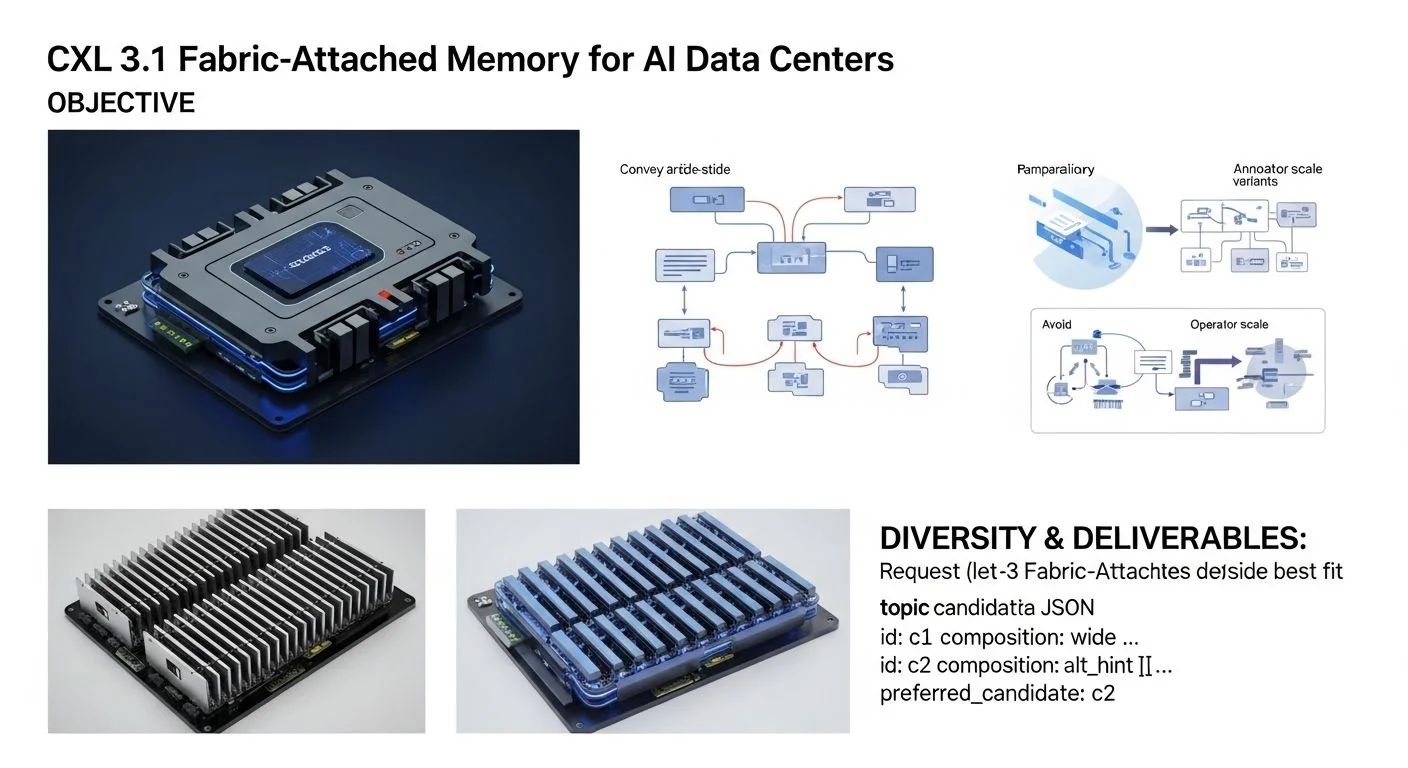
Problem statement: AI training and inference clusters are running out of flexible, large-capacity memory that can be shared across compute nodes without blowing server cost or compounding NUMA-linked fragmentation.
Promise: This article explains how CXL 3.1's fabric-attached memory (FAM) changes the operating model for AI data centers (see CXL 3.2 Pooled Memory for AI Training for extended pooling and cost models), shows actionable implementation patterns, clarifies trade-offs with local and pooled memory, and provides diagnostics, benchmarks, and a rollout checklist you can use in production.
Failure scenario (short): A 64-GPU training pod runs out of host DRAM headroom mid-epoch. The naive solution is to add more local DRAM or to overshard the model across more nodes, which increases cost and networking complexity. With a misconfigured CXL fabric, however, you can hide but not eliminate latency spikes: IO stalls and switch flit congestion cause p95–p99 latency excursions that ruin optimizer step timing, wasting GPU cycles and increasing epoch time by 10–40%.
Executive Summary
TL;DR: CXL 3.1 fabric-attached memory lets AI data centers centralize large byte-addressable memory pools (via PCIe 6.1 CXL fabrics and managed switches (see CXL 4.0: Bandwidth Doubling, Bundled Ports & Multi-Rack Memory Fabrics for multi-rack topologies and bandwidth evolution)) and present them with near-native semantics for host and accelerator use — but you must design for tiered latency, congestion control, and robust OS/device support to be production-safe.
- Key takeaway 1: CXL 3.1 introduces fabric-attached memory and switch-aware pooling primitives that separate capacity from host sockets, enabling flexible multi-host memory sharing.
- Key takeaway 2: PCIe 6.1 PHY improvements plus CXL 3.1 switching reduce link latency and increase flit rates, but fabric topologies and switch queuing dominate p95/p99 latency for remote accesses.
- Key takeaway 3: Treat fabric-attached memory as a multi-tier resource: local DRAM for latency-critical state, CXL remote memory for warm working sets, and persistent tiers for bulk storage; place data with NUMA-like affinity in mind.
- Key takeaway 4: Production patterns require kernel/device-driver maturity (namespace management, hotplug), observability (flit drops, switch queue depth), and staged rollout with congestion testing.
- Key takeaway 5: Use concrete decision criteria — latency budget, memory elasticity need, and cost per GB — to choose CXL 3.1 FAM vs other memory models.
Three likely direct Q→A pairs
- Q: What is fabric-attached memory in CXL 3.1 for AI data centers? A: It's byte-addressable memory accessed over a switched CXL fabric that decouples capacity from local sockets while preserving CPU/GPU coherency semantics via the CXL protocol.
- Q: How does PCIe 6.1 CXL improve FAM? A: PCIe 6.1 increases link bandwidth and introduces PAM4 and improved encoding that reduce per-flit overhead, enabling higher throughput and lower effective latency for CXL traffic at the PHY layer.
- Q: When should you use CXL 3.1 memory pooling versus local DRAM? A: Use pooled fabric memory when you need cost-effective large capacity with elastic sharing and when your workload can tolerate higher p95/p99 memory access latency compared to local DRAM.
How CXL 3.1 Fabric-Attached Memory for AI Data Centers Works Under the Hood
At the protocol level CXL 3.1 extends the CXL family (CXL.io, CXL.cache, CXL.mem) with fabric-oriented semantics and switch-level management. Key primitives to understand are:
- Fabric topology and switching: CXL 3.1 defines how CXL devices attach to managed switches that route CXL transactions across ports. Switches implement cut-through forwarding for low latency and per-port queuing for congestion control.
- Memory namespaces and pools: A CXL memory device (or aggregator in a memory shelf) exposes namespaces that the host or accelerator can map. 3.1 adds explicit pooling controls so multiple hosts can request capacity from a common pool with isolation and access policies.
- Coherency and access semantics: CXL.cache and CXL.mem maintain coherency models across accelerators and host caches. Fabric-attached memory preserves the same memory model; coherency traffic traverses the fabric and the switches must prioritize these flows to avoid stalling cache coherence operations.
- PCIe 6.1 CXL PHY implications: The underlying PCIe 6.1 PHY increases raw flit rate and improves signal encoding. This is necessary for high-throughput fabrics that must support dozens of hosts and thousands of lanes worth of memory capacity.
Textual diagram (logical):
- Host CPU/GPU edge — runs CXL drivers and accelerator agents.
- Host root complex with PCIe 6.1 CXL port — exports CXL.io and CXL.mem functions.
- Managed CXL switch fabric (multi-tier) — routes transactions and implements QoS and pooling policy.
- Memory shelves / FAM devices — large DDR or PMEM modules behind CXL endpoints that expose namespaces and capacities.
Routing and arbitration: switches maintain per-Virtual Channel (VC) arbitration; low-latency coherency (CXL.cache) must map to higher-priority VCs, while bulk zero-copy transfers to backing persistent media can be lower priority. Multi-tier switching means switching hops add fixed per-hop latency plus variable queuing delay: total latency = link RTT + sum(switch forwarding) + queuing delay.
Implementation: Production Patterns
This section moves from basic to advanced deployment patterns and shows code-like operational commands you can use in current Linux stacks supporting CXL namespaces.
Basic deployment: single-rack fabric
- Procure PCIe 6.1-capable root complexes and CXL-aware switches with support for CXL 3.1 features (namespace management, access control lists, QoS).
- Install FAM shelves with memory modules behind CXL endpoints and wire to the switch fabric. For initial trials limit to a single switch hop to minimize unknowns.
- On each host ensure kernel supports CXL 3.1 (or at minimum CXL 2.x with vendor extensions) and install userland utilities: libnvdimm/ndctl, the
cxltool from the CXL project, and vendor-specific management tools. - Example: basic discovery and namespace creation (Linux shell sequence):
# list PCIe/CXL devices
lspci | grep -i cxl

# check kernel cxl device nodes
ls /sys/bus/cxl/devices

# create a namespace (pseudo-commands — vendor utilities may differ)
# on the memory device node: create namespace 0 of size 512G
echo create-namespace size=512G > /sys/bus/cxl/devices/cxl-mem0/namespace

# verify and allocate
cat /sys/bus/cxl/namespace0/size
# format and mount as DAX (if using byte-addressable persistent region)
mkfs.xfs -f -d agcount=4 /dev/cxl/namespace0
mount -o dax /dev/cxl/namespace0 /mnt/cxl_mem
Note: the exact device paths and userland commands are vendor-specific and likely to evolve. Use the vendor management stack and test in dev before productioning these commands.
Advanced: multi-host pooled memory with access controls
Use the switch's pool management API to create named pools with capacity quotas and attach host principals. A minimal production pattern:
- Define pools per workload class (training, inference, staging) with QoS settings (priority for coherency, bandwidth caps for background migrations).
- Bind hosts or host groups to pools with access tokens; use the switch's ACL to limit which hosts can map which namespaces.
- Employ NUMA-aware allocation in the job-scheduler (Kubernetes or Slurm) so that jobs requesting FAM get nodes with shortest fabric path to the target pool.
Example (conceptual REST call to switch manager API):
POST /api/v1/pools
{
  "name": "training-pool-a",
  "capacity_gb": 10240,
  "qos": { "coherency_priority": "high", "max_bw_gbps": 2000 }
}

POST /api/v1/pools/training-pool-a/bind
{ "hosts": ["host-101","host-102"], "token_ttl": 86400 }
Error handling and rollback
- Monitor for link resets and namespace detach events — the kernel usually reports these as
dmesgentries. Automate transient retries with exponential backoff. - For in-use memory namespaces, implement safe failover: ensure critical data is mirrored or checkpointed to local DRAM or SSD before detaching a namespace.
- Example runbook snippet: on namespace_detach -> quiesce application -> remap to local staging -> resume.
Optimization
- Profile your workload's memory access patterns to decide what should be local (latency-critical), remote volatile (CXL mem), or remote persistent.
- Pin hot pages to local DRAM where possible. Use OS NUMA api to prefer local physical memory for small, hot structures (e.g., optimizer states, metadata).
- For deep learning fine-tuning, consider using CXL remote memory for embedding tables and shard activations, while keeping gradients and optimizer state local to reduce p99 tail impact.
Comparisons & Decision Framework
Decision axes: latency budget, capacity elasticity, cost per GB, isolation, and OS/driver maturity. The following table-like checklist helps choose between local DRAM, host-attached PMEM, CXL pooled FAM, and remote block storage. For inference-tail latency considerations and checklists see CXL 4.0 AI inference: Latency Benchmarks & Checklist.
- Latency-critical (<500ns): Local DRAM or HBM on-accelerator.
- Latency-sensitive (0.5–10μs, p95): CXL-attached memory on a single-hop switch with QoS guarantees; acceptable for many inference models if p99 is constrained.
- Bulk capacity (>1TB/node) with elasticity: CXL pooled FAM reduces capital cost compared to scaling DRAM per-host.
- High durability requirement: Prefer persistent PMEM or remote storage with replication — CXL mem is volatile unless backed by PMEM devices behind the CXL endpoint.
Checklist for adoption:
- Inventory workload memory profiles (hotset size, working set, read/write ratio).
- Set latency budget: max acceptable p95 and p99 for memory access for each workload class.
- Quantify cost per GB for DRAM vs pooled FAM including switch and shelf amortization.
- Confirm driver and OS support for hotplug, snapshot, and namespace remap in your kernel version.
- Plan observability (see Performance & Scaling) and a staged roll-out (dev -> canary -> production).
Failure Modes & Edge Cases
Concrete failure modes, diagnostics and mitigations:
- Switch-level congestion: symptom — increased p95/p99 latency with modest throughput. Diagnostics — monitor switch per-port queue depth and packet drop counters. Mitigation — increase QoS priority for coherency VC, throttle background bulk transfers, or rebalance pool assignments.
- Link resets / PHY negotiation failure: symptom — CXL endpoint flaps and namespace detach. Diagnostics —
dmesglogs with link training errors, switch alarms. Mitigation — verify PCIe 6.1 signal integrity, test with lower link rates, replace suspect cables/retimers. - Driver mismatch / namespace mismanagement: symptom — stale mappings, unexpected device nodes missing. Diagnostics — kernel version mismatch, vendor firmware. Mitigation — vendor-specified kernel and firmware matrix; do not mix versions across critical path during rollouts.
- Cache coherency deadlock (rare but possible in complex topologies): symptom — applications hang or high CPU waiting on memory. Diagnostics — analyze system-wide NMI traces and switch logs for stuck transactions. Mitigation — vendor coordination for firmware patches; in the short term, remove problematic paths or reduce coherency frequency.
- Security: unauthorized mapping. Diagnostics — audit switch ACLs and pool bindings. Mitigation — use mutual-auth tokens, hardware root-of-trust, and encrypt management plane communications.
Performance & Scaling
Performance is the central practical constraint. Below are pragmatic guidance and realistic guidance ranges — treat them as environment-dependent and verify with your own load.
Latency guidance (approximate, environment-specific)
- Local DRAM (per-socket): p50 ~50–120ns; p99 <500ns.
- CXL single-hop remote memory over PCIe 5/6 (ideal): p50 ~0.3–1.5μs; p95 ~2–8μs; p99 ~8–30μs.
- CXL multi-hop switching fabric with contention: p50 ~1–3μs; p95 ~10–40μs; p99 can spike to 100–500μs if unthrottled background traffic causes queuing.
Notes: These ranges are conservative and depend heavily on the switch vendor's cut-through capabilities, the number of hops, link width, and whether PCIe 6.1 PHY is available. The biggest factor is queuing; even small amounts of large transfers (e.g., memory migration, bulk copy) can create head-of-line issues that inflate p99 dramatically.
Throughput and scaling
- Aggregate throughput scales with root-complex lanes and switch backplane. A single PCIe 6.1 x16 port can provide multi-hundred GB/s order-of-magnitude; practical sustained across fabric depends on switch backplane and uplink aggregation.
- Scaling advice: limit per-application concurrency to avoid saturating the switch; design scheduler-level policies to spread memory-heavy jobs across fabric paths.
Monitoring KPIs
- Memory access latency percentiles (p50, p95, p99) per workload class.
- Switch queue depths and drop counters per VC.
- Link error rates (BER) and link retrain counts.
- Namespace attach/detach frequency and failed attach counts.
- Pool utilization and per-host bandwidth consumption.
Production Best Practices
Security, testing, rollout, and runbook guidance for AI data centers adopting CXL 3.1 FAM. For cryptographic and key-management best practices see Post-Quantum Encryption Pipelines: 2026 AI Data Security Benchmarks.
Security
- Management plane: use mutual TLS and hardware-backed keys for pool and host authentication.
- Data plane: while CXL traffic is not inherently encrypted, consider link-level encryption on switch backplanes or isolate fabrics by workload sensitivity. For high-security workloads use confidentiality enclaves like Arm CCA in conjunction with CXL deployments; see Arm CCA Confidential AI: Production Implementation Guide for integrating confidential compute with memory fabrics.
- Audit and RBAC: log all namespace allocations and pool binds for post-mortem and auditing purposes.
Testing and rollout
- Functional: validate namespace creation, attach/detach, and hotplug on test nodes.
- Performance: run synthetic microbenchmarks for latency and tail behavior under controlled background loads. Include worst-case stress tests that emulate bulk migrations while running coherent loads.
- Chaos: simulate link flaps and switch restarts to validate application resilience and runbooks.
- Phased deployment: dev -> canary (few hosts) -> production pool -> full-scale.
Runbooks (short examples)
- Namespace detach alarm: Alert -> Pause workloads -> Quiesce I/O -> Re-map to local staging -> Reattach or failover.
- High p99 latency: Alert -> Identify offending flows via switch counters -> Temporarily throttle bulk transfers -> Schedule migration of workloads off congested pool.
Further Reading & References
Primary sources and recommended reading for deeper technical detail and vendor interoperability notes:
- Compute Express Link (CXL) Consortium specification documents (CXL 3.1 core spec). Check vendor and consortium public drafts for detailed protocol semantics.
- PCI-SIG PCIe 6.1 PHY documentation — for PHY-level considerations that affect CXL link behavior.
- Linux kernel CXL subsystem documentation and the
cxluserspace utilities. See kernel release notes for supported features and device tree bindings. - For architecture-level cost and pooling strategies, see our model analysis in CXL 3.2 Pooled Memory for AI Training: Architecture & Cost Models, which extends pooling strategy to training-scale economics.
- For multi-rack fabrics and next-generation bandwidth considerations see CXL 4.0: Bandwidth Doubling, Bundled Ports & Multi-Rack Memory Fabrics, particularly the sections on bundled ports and cross-rack topologies.
- For inference latency checklists and how pooling affects tail latency in production inference, see CXL 4.0 AI inference: Latency Benchmarks & Checklist.
References and vendor materials should be consulted for final design — the numbers above are environment-specific and intended to guide engineering choices rather than replace lab tests.
Appendix: Practical diagnostic commands & snippets
Sample observability commands (Linux) and a simple Python probe for latency percentiles via mapped memory reads.
# Linux: show CXL devices and namespaces
lspci -nn | grep CXL
sudo ls -l /sys/bus/cxl/devices
sudo cat /sys/bus/cxl/namespace*/size

# Basic dmesg filter for CXL events
dmesg | grep -i cxl

# Simple Python microbenchmark (pseudo-code — requires mapped namespace device path)
import mmap, time, statistics
path = '/dev/cxl/namespace0'
size = 1024 * 1024
with open(path, 'r+b') as f:
    mm = mmap.mmap(f.fileno(), size)
    lat = []
    for i in range(10000):
        start = time.time()
        _ = mm[0]  # single byte read to heat the path
        lat.append((time.time() - start) * 1e6)  # microseconds
    print('p50', statistics.median(lat))
    print('p95', sorted(lat)[int(0.95*len(lat))])
    print('p99', sorted(lat)[int(0.99*len(lat))])
This probe is intentionally simple; production benchmarking should use representative working sets (random vs sequential, read/write mix) and multiple concurrent readers/writers to emulate real load.
Closing guidance
CXL 3.1 fabric-attached memory is a practical tool for AI data centers seeking elastic, pooled capacity while preserving byte-addressable semantics. The technology is not a turnkey replacement for all DRAM: realize value by aligning deployment to workload latency tolerance, designing fabrics with QoS and observability, and running rigorous staged rollouts. Pair CXL fabrics with scheduler-level awareness and NUMA-like affinity in your job orchestration layer to avoid surprise tail latency in production.
Finally, treat vendor interoperability matrices and kernel support as first-order constraints: prototype with your target hardware and kernel versions early, and instrument aggressively for p99 behavior under mixed traffic.


